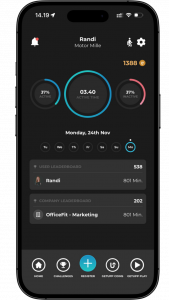
To change your login (e-mail and password), open the app and start from the home page.
From there, press the gear icon in the top right corner.
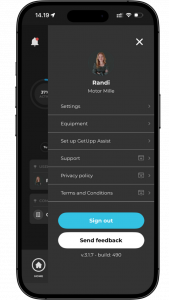
Now press on settings.
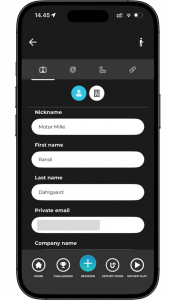
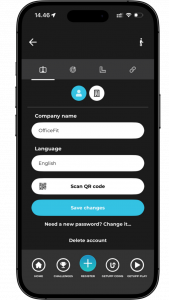
Scroll down to where you can change the e-mail you want to use for login. After changing the e-mail, press: “Save changes.” in the bottom of the page.
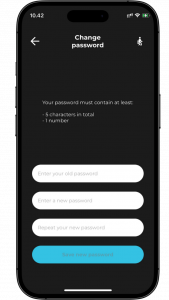
If you want to change your password, press: “Need a new password?”
You will be redirected to settings, where you can change the existing password.
Here, enter the new password, and then press: “Save new password.”
You have now changed the email you use to log in with or your password.